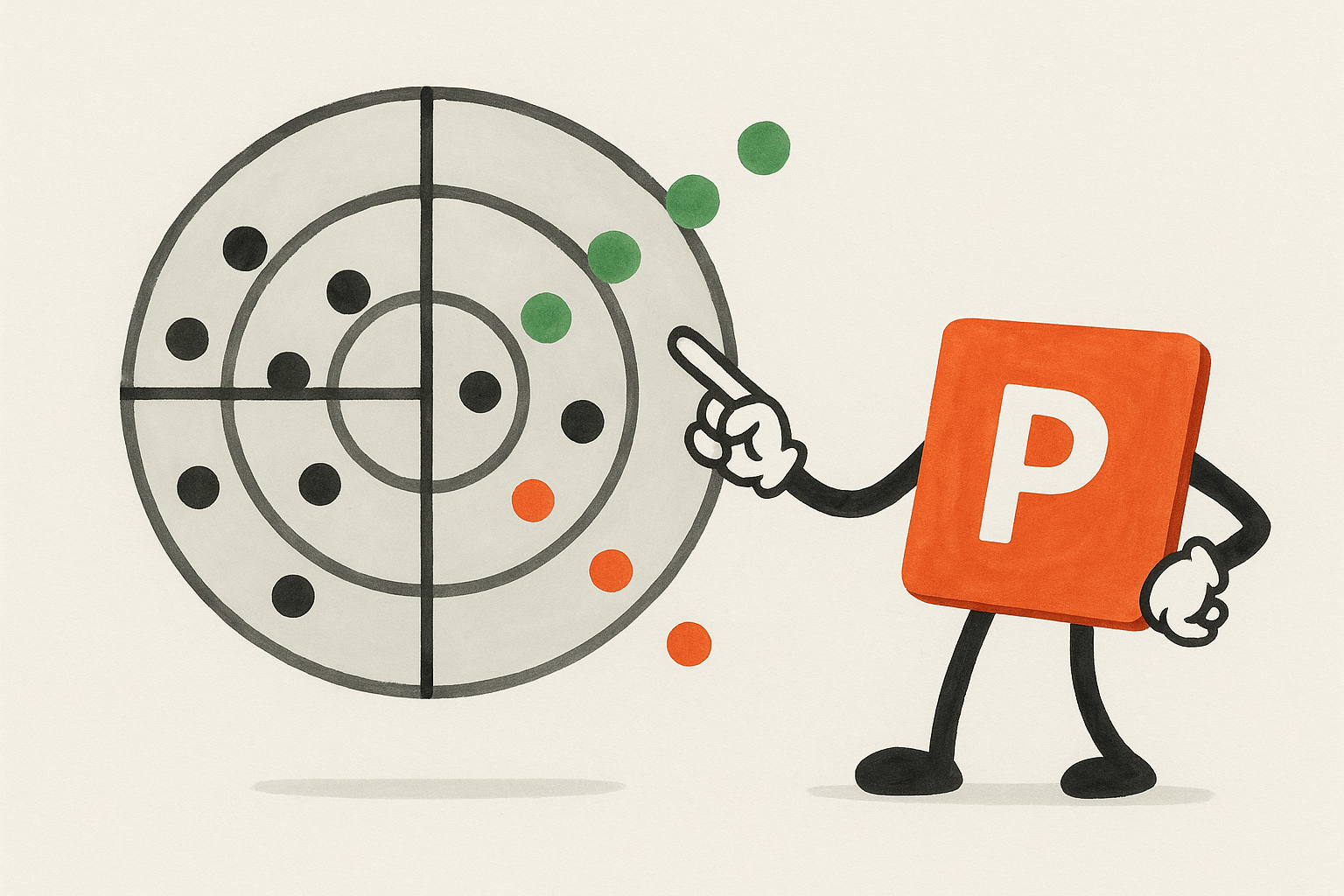
Trend radars are essential tools in foresight, mapping emerging trends, weak signals, and opportunities across time horizons. They help teams spot change early, align stakeholders, and make strategic decisions with confidence.
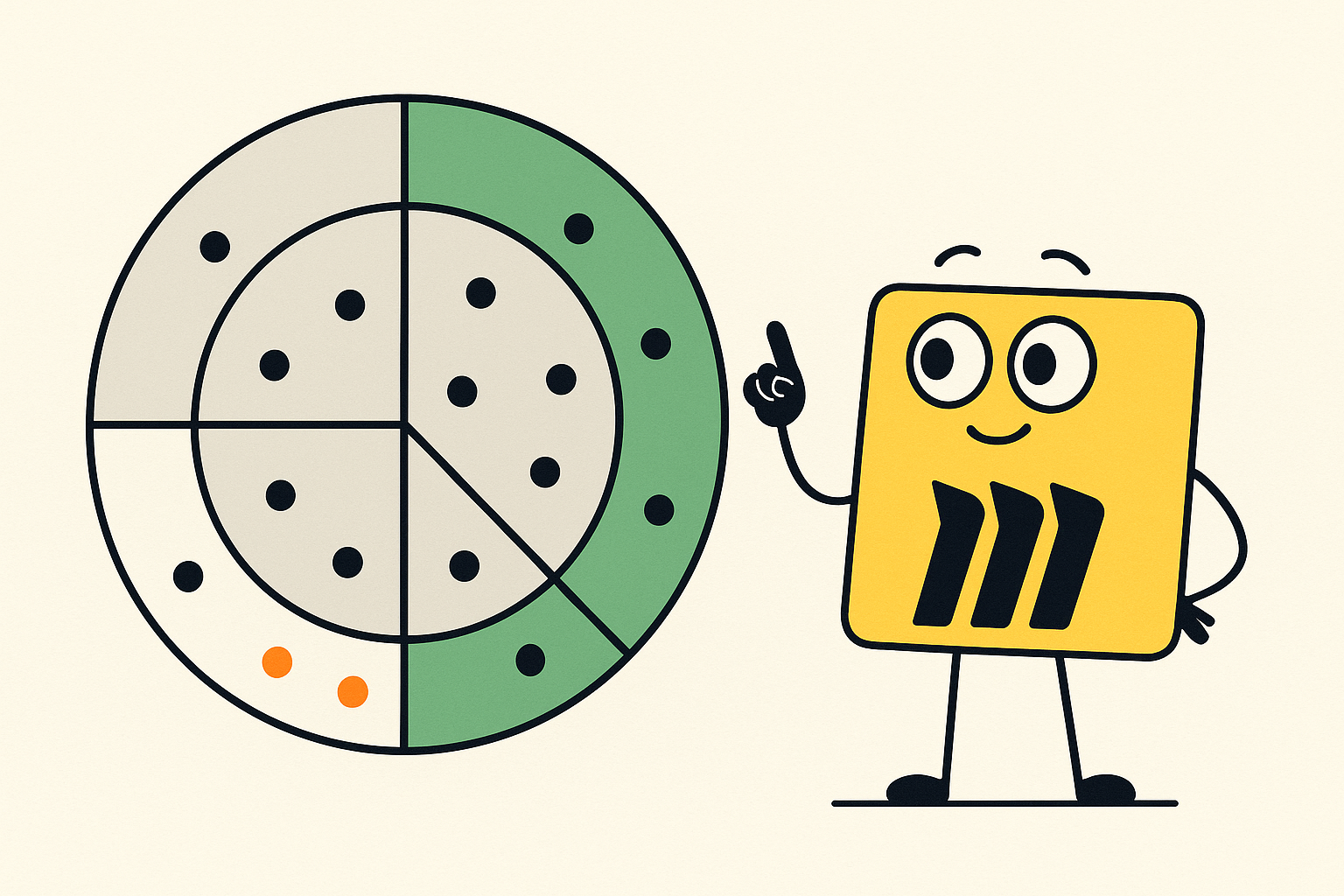
Miro provides a flexible, visual, and collaborative environment that makes it easy to create a first trend or technology radar, without requiring specialized software.
Why Miro works well for trend radars
Miro’s strengths include:
- Visual clarity: intuitive drag-and-drop interface for trends, sectors, and rings
- Collaboration: multiple users can add, edit, and discuss trends in real time
- Flexibility: radars can be adapted for different themes, time horizons, or presentation styles
- Integration: works seamlessly with workshops, strategy meetings, and team discussions
These features make Miro a natural choice for teams just starting with radar work, or when stakeholders need to contribute directly. To support this, FIBRES offers a Miro-based trend radar template and tech radar templates that help teams get started quickly while maintaining clarity and consistency.
How to build a trend radar in Miro
Creating a trend radar in Miro is straightforward:
- Select a template: Start with Miro’s free trend radar template
or tech radar template depending on your focus.
- Define sectors and horizons: Customize the rings for near-term, mid-term, and long-term trends. Label sectors according to relevant themes, such as technology, market, or regulation.
- Add trends: Place trends or signals as sticky notes or shapes on the radar. Use color, size, or icons to indicate importance, uncertainty, or category.
- Collaborate: Invite team members or stakeholders to add trends, comment, or move items. Real-time editing ensures alignment and shared understanding.
- Share or embed: Radars can be exported as images or PDFs, or embedded into presentations and strategy documents for wider use.
Miro’s template approach allows teams to get started immediately, producing a visually polished radar while learning the basics of trend mapping.
In practice, radar creation should be preceded by a horizon scanning exercise, where signals, trends, and drivers of change are systematically identified and assessed. Horizon scanning provides the raw material that gives a radar meaning, ensuring that what appears on the canvas is grounded in real developments rather than assumptions. Our horizon scanning guide supports this step by helping teams understand where to look, what to collect, and how to turn observations into trends that can be confidently mapped onto a radar.
Best practices for using Miro radars
- Update radars regularly to keep them relevant
- Encourage cross-functional contributions for richer insights
- Use consistent colors, shapes, and labels for clarity
- Pair visual radars with short summaries or trend explanations for decision-makers
When to evolve beyond Miro
While Miro radars excel for workshops, collaboration, and early-stage foresight, scaling continuous radar work requires more structured tracking. With a platform like FIBRES, trends, signals, and radars are continuously connected, searchable, and updated. Teams can focus on interpretation, strategy, and decision-making, while AI-powered Foresight Agents surface emerging trends automatically and help maintain a living, dynamic radar over time.
Miro radars remain an excellent first step, but FIBRES ensures that foresight work grows with the organization, becoming both strategic and sustainable.